Data Lakehouse vs Data Warehouse: Which Should You Choose?
A practitioner's comparison of data lakehouses and data warehouses, covering architecture, cost, governance and AI workloads, with a decision guide for mid-size companies.

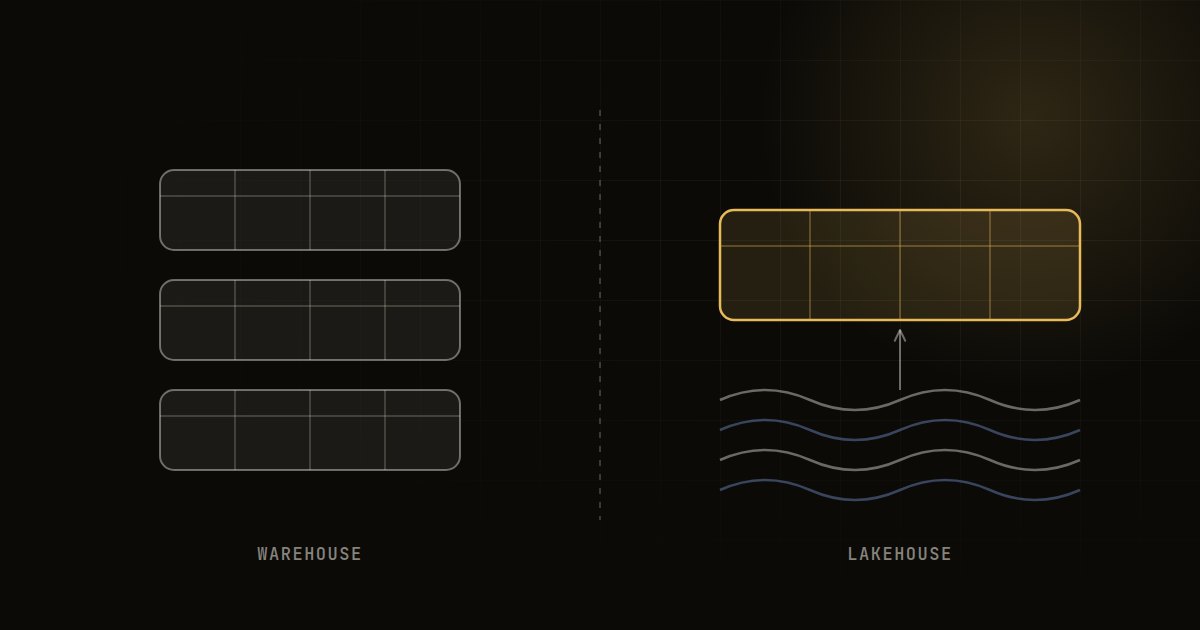
In the data lakehouse vs data warehouse decision, a warehouse stores structured, modelled data in a managed engine built for fast SQL analytics, while a lakehouse keeps open files on cheap object storage and adds warehouse-style tables and governance on top. Choose a warehouse for BI simplicity and a lakehouse for mixed analytics and machine learning at scale.
The distinction has blurred. Major warehouses now read open table formats, and lakehouse engines now offer serverless SQL that feels like a warehouse. So the useful question is not which label is better, but which operating model fits your data, team and workloads for the next three to five years.
What is a data warehouse?
A data warehouse is a central store for cleaned, structured data, optimised for analytical queries. Data is loaded (usually after transformation) into tables that the warehouse engine manages internally, including storage format, indexing and statistics. Cloud warehouses such as Snowflake, BigQuery, Amazon Redshift and Azure Synapse separate storage from compute, so you can scale query power up and down.
Strengths are well known: excellent SQL performance, mature access controls, simple administration and a huge ecosystem of BI tools. The trade-off is that data lives in the vendor's managed format and pricing model, and semi-structured or unstructured data (images, documents, raw logs) is less natural to handle.
What is a data lakehouse?
A data lakehouse stores data as open files, typically Parquet, in object storage such as Amazon S3, Azure Data Lake Storage or Google Cloud Storage. An open table format (Delta Lake, Apache Iceberg or Apache Hudi) adds a transaction log, so the files behave like reliable tables with ACID transactions, schema enforcement, time travel and efficient updates. Several engines, such as Spark, Trino, Databricks SQL or even a warehouse, can then query the same tables.
The appeal is one copy of data serving BI, data science and machine learning, with less lock-in and cheap storage for large volumes. The trade-off is more moving parts: file layout, compaction, catalogue management and engine tuning all need attention.
Data lakehouse vs data warehouse: side-by-side comparison
| Dimension | Data warehouse | Data lakehouse |
|---|---|---|
| Storage | Managed, proprietary internal format | Open formats (Parquet plus Delta, Iceberg or Hudi) on object storage |
| Data types | Mainly structured, some semi-structured | Structured, semi-structured and unstructured |
| Primary users | Analysts and BI teams | Analysts, data engineers, data scientists, ML engineers |
| SQL performance | Excellent out of the box | Very good, but depends on layout and tuning |
| ML and AI workloads | Possible, usually by exporting data or using add-on features | Native, as notebooks and training jobs read the same tables |
| Lock-in | Higher, data tied to vendor engine | Lower, multiple engines can read the same files |
| Administration effort | Low | Moderate to high |
| Governance | Mature, built in | Strong with a unified catalogue, weaker without one |
| Cost profile | Pay for managed compute and storage, predictable for BI | Cheap storage, compute costs depend on engineering discipline |
| Real-time and streaming | Supported, often at a premium | Well suited to streaming ingestion |
| Team skills needed | SQL, dbt, BI | SQL plus Spark or Python, platform engineering |
Cost: what really drives the bill
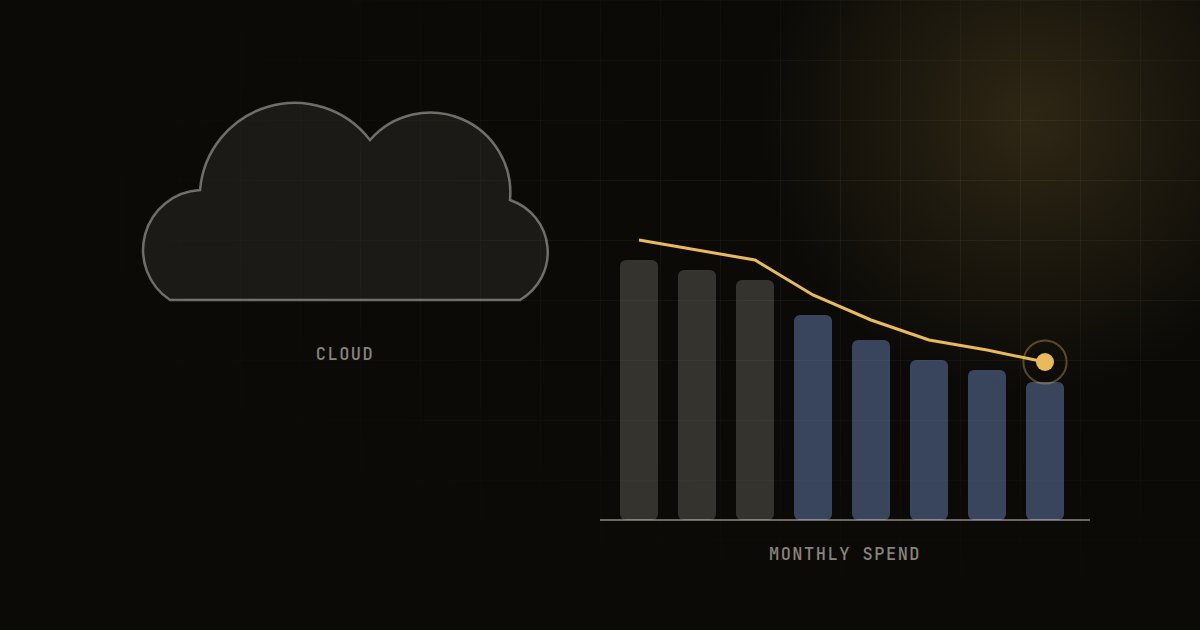
Neither architecture is automatically cheaper. Costs vary widely by scope, data volume and query patterns, so treat any generic comparison with caution. The real drivers are:
- Compute usage patterns. Always-on warehouses or oversized clusters are the largest waste in both models. Auto-suspend and right-sizing matter more than architecture.
- Data volume and retention. Object storage is inexpensive, which favours the lakehouse when you keep large raw histories, logs or event data.
- Query design. Unpartitioned scans and badly written dashboards can make either option expensive.
- People. A lakehouse typically needs more platform engineering time. For a small team, that salary cost can outweigh storage savings.
- Egress and duplication. Copying data between a lake and a warehouse, and paying for both, is a common hidden cost of hybrid setups.
As a rough guide, organisations with modest volumes and a BI-centric workload usually find a warehouse cheaper in total cost of ownership, while those with very large, varied data and serious ML ambitions tend to find a lakehouse more economical over time. For a broader set of savings levers, see our cloud cost optimisation checklist.
Governance, security and compliance
Warehouses have long offered role-based access, column masking and row-level security. Lakehouses have caught up through unified catalogues (Unity Catalog, AWS Lake Formation, Apache Polaris and similar), but only if you actually implement one. A lake of files with bucket-level permissions is not governed data.
If you handle personal data under India's DPDP Act 2023 or similar laws, you need to know where personal data sits, who can access it, and how to delete or correct it on request. Both architectures can support this. Open table formats support row-level deletes, but you must also manage old file versions and time travel retention so deleted data does not linger. This is general information, not legal advice.
AI and machine learning readiness
This is where the lakehouse has its clearest edge. Training data, features, embeddings, documents and model outputs can live alongside business tables, and data scientists work on the same governed copy rather than CSV extracts. That reduces drift between what the model was trained on and what the business reports.
Warehouses are closing the gap with built-in ML functions, Python runtimes and vector search, and for many teams those are sufficient. If your AI plans centre on SQL-friendly forecasting, classification and GenAI over structured data, a warehouse may be enough. If you expect heavy feature engineering, unstructured data or custom model training, lean towards a lakehouse. Our MLOps guide explains what the rest of that production stack looks like.
Which should you choose? A decision guide
Use these questions in order. The first strong "yes" usually points the way.
- Is most of your need dashboards and SQL reporting on structured business data, with a team of analysts rather than engineers? Choose a warehouse. It will get you to value fastest with the least operational effort.
- Do you hold large volumes of semi-structured or unstructured data (events, logs, documents, images) that you want to analyse or use for ML? Choose a lakehouse.
- Are ML and AI a core part of your roadmap, with data scientists who need direct access to large data sets? Lean towards a lakehouse, or a warehouse with strong native ML support if the workloads are modest.
- Is avoiding vendor lock-in a board-level or regulatory concern? A lakehouse on open table formats gives you more portability.
- Do you have, or can you hire or outsource, platform engineering skills? If not, a warehouse or a fully managed lakehouse service is safer than a self-assembled stack.
- Already invested heavily in one platform? Extend what you have. Most warehouses can now read Iceberg or Delta tables, so a gradual hybrid is often the pragmatic path.
Typical scenarios
- A mid-size SaaS or D2C company with a few terabytes of transactional data and a BI team: start with a cloud warehouse and dbt. Revisit when ML workloads grow.
- A lender or fintech with large event, bureau and document data plus credit models: a lakehouse with a strong catalogue usually fits better.
- A manufacturer combining ERP data with high-frequency sensor data for predictive maintenance: a lakehouse handles the time series volume more economically, with curated tables served to BI.
Migration and implementation tips
Whichever you pick, a few practices save months of rework:
- Model in layers. Keep raw, cleaned and business-ready layers (often called bronze, silver and gold) with clear ownership.
- Adopt one transformation framework. dbt or an equivalent keeps business logic versioned, tested and documented.
- Choose one catalogue early. Retrofitting governance is far harder than starting with it.
- Set cost guardrails on day one. Budgets, alerts, auto-suspend and tagging by team.
- Migrate by use case, not by table. Move one high-value domain end to end, prove it, then expand.
- Plan for data quality tests. Freshness, volume and schema checks should fail loudly before a dashboard is wrong.
Frequently asked questions
Is a data lakehouse replacing the data warehouse?
Not entirely. The two are converging: warehouses increasingly read open table formats, and lakehouses offer warehouse-grade SQL. Many organisations will run a blend, choosing the engine per workload over one shared, open storage layer.
Is Snowflake a data warehouse or a lakehouse?
Snowflake began as a cloud data warehouse and now supports Apache Iceberg tables and external data, so it can play a lakehouse role. Databricks started from the lake side and added warehouse-style SQL. The labels matter less than how you store and govern your data.
Is a data lakehouse cheaper than a data warehouse?
Storage is usually cheaper in a lakehouse, but total cost depends on compute usage, query design and the engineering effort needed to run it. For small, BI-focused teams a warehouse is often cheaper overall. For large, varied data with ML needs, a lakehouse often wins over time.
What is the difference between a data lake and a data lakehouse?
A data lake is raw files in object storage with little structure or transactional guarantee, which is why many became "data swamps". A lakehouse adds an open table format and catalogue on top, giving reliable tables, schema enforcement, versioning and governance.
Do I need a lakehouse for generative AI?
No. Many GenAI use cases need a document store, a vector index and clean structured data, which a warehouse with vector features can provide. A lakehouse helps when you manage large unstructured corpora or train and fine-tune your own models.
How Sunday Labs can help
Sunday Labs designs and builds data platforms that fit your team's skills, budget and AI roadmap, whether that means a warehouse, a lakehouse or a pragmatic mix. Our founder personally leads every engagement, and senior engineers do the hands-on architecture and build work, so the advice you get is grounded in production experience. If you are weighing a platform decision or planning a migration, start a conversation and we will help you choose with confidence.