

ERP and finance systems
AI that reads and updates orders, invoices and inventory in SAP, Oracle, Microsoft Dynamics or your own ERP.
We connect AI to your ERP, CRM, core banking, HRMS, ticketing tools, data platforms and your own product through secure APIs, events and connectors. Permissions, audit logs, latency and cost are designed in from the start, so the AI can act on real systems safely.
The problem
Staff copy data out of one system, paste it into a chat tool and paste the answer back. Errors creep in and usage drops.
An assistant can read documents or records the user asking could never see in the source system.
When an agent updates a ticket or a customer record, nobody can trace which model, prompt or data led to the change.
An integration that worked in testing slows down and runs up model bills once every team starts calling it.
What we integrate
We work with packaged platforms and your own software, and choose the integration pattern that fits each system.
AI that reads and updates orders, invoices and inventory in SAP, Oracle, Microsoft Dynamics or your own ERP.
Assistants and agents inside Salesforce, HubSpot, Zendesk or Freshdesk, working on live customer and ticket data.
Careful integrations with core banking, lending and HR systems, where access and audit matter most.
Retrieval and analytics on top of your warehouse or lakehouse, using the same definitions as your reports.
AI features built into your web or mobile product, with APIs your engineers can own and extend.
Access that follows the user, a log of every AI action, and caching and routing to keep latency and spend in check.
How we deliver
We start with how data and permissions flow today, then design the AI around them.
Always included
Typical tools
We map the systems, data, users and permissions involved.
We choose the integration pattern for each system.
We build the integrations and test them against real scenarios.
We release in stages and keep watch once it is live.
Where we apply it
Further reading
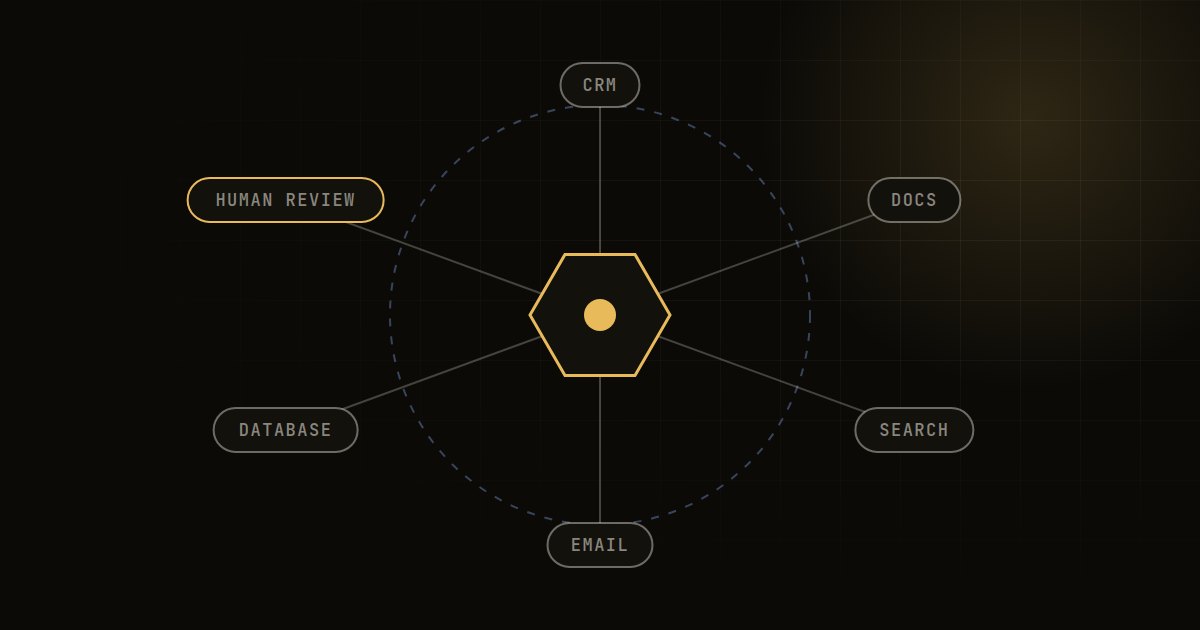
A practitioner's guide to taking enterprise AI agents from demo to production: scope, architecture, guardrails, evaluation, security and rollout.
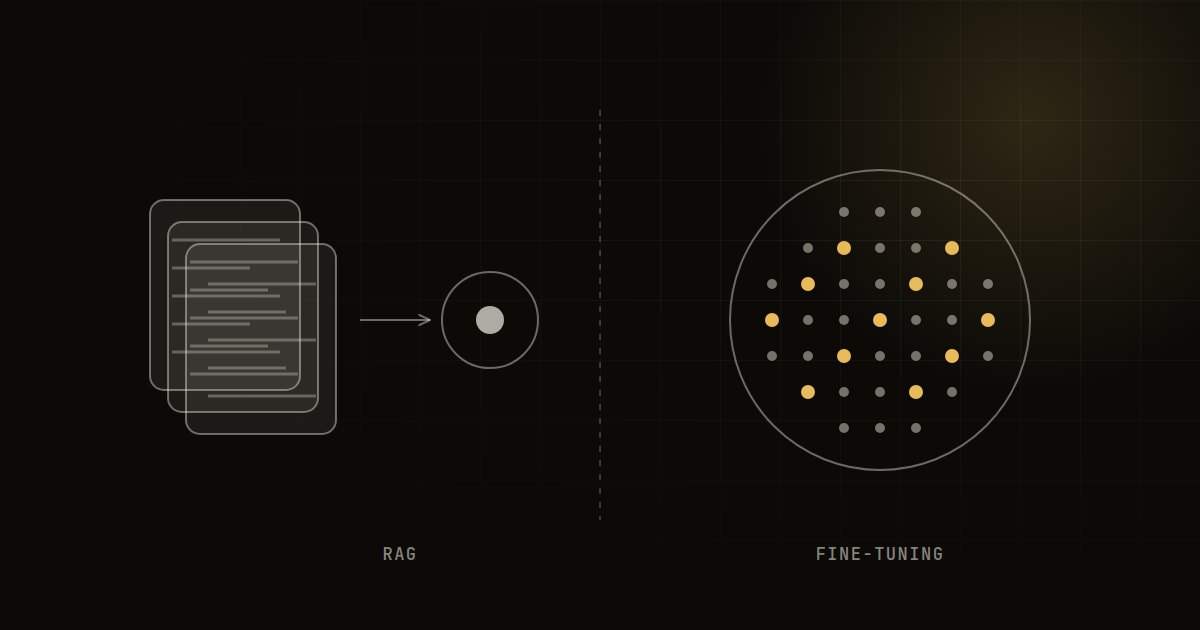
RAG gives a model the right knowledge; fine-tuning changes how it behaves. A clear comparison and decision guide for choosing between them, or using both.
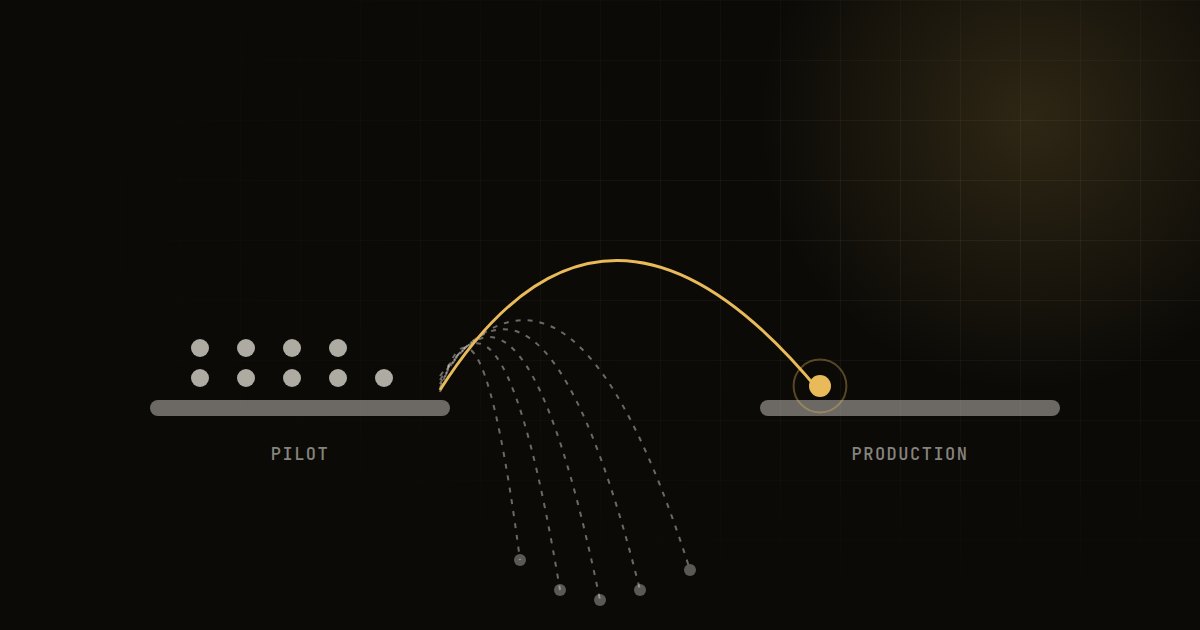
Most AI pilots stall before production for predictable reasons. Here is how to spot them early and design pilots that are built to ship.
FAQ
AI implementation services
Use cases ranked, data and systems reviewed, and a costed roadmap in about two weeks.
One use case taken from proof of concept to a live system people use, in about eight weeks.
Process redesign, role-based training and an AI usage policy, so people actually use what you build.
AI in production kept accurate, safe and affordable, fully managed or co-managed.
AI strategy, GenAI and agents, data platforms, analytics, MLOps and transformation.
Tell us where you are. We will come back within one business day with a point of view, not a sales deck.